
WHAT'S INSIDE THE TRAINING

DAILY TUTORIALS
Learn the strategies that I use to take control of Zoom. I'll share my favorite tools to help you gain control over your meetings. I have helped thousands to overcome their fears and gain confidence and you can be next!

DAILY CHALLENGES
Friends don't let friends go it alone-grab a friend & join us. Our daily workshop tasks will help you to avoid common mistakes & motivate you to take action. With my Go Live Checklist your Success is Guaranteed!
TECHNOLOGY COACHING
Ever wish you had your very own Zoom MVP in your back pocket? Now you do! You get access to my private Zoom Chat where I'll be joining you in the comments for all five days of the bootcamp ready to offer hands on help!
A DAY-BY-DAY LOOK AHEAD

DAY ONE: GRAB CONTROL OF ZOOM UPDATES ONCE AND FOR ALL
We’ve come to know it as our video conferencing tool, but now it’s a comprehensive business communication tool! Today's training includes a demonstration of the latest updates to Zoom. We'll explore the 10 new must-know Zoom features you’ll use in 2026 and their benefits for turning Zoom fatigue into fun. Join me, grab my Go Live Checklist & learn something new!

DAY TWO: DESIGN YOUR DREAM ZOOM MEETING BEFORE YOU SHARE THE MEETING LINK
Your Zoom meeting should do what you want it to, before you invite anyone! On Day 2, learn how to schedule your meeting and choose the right settings and tools to match your goals. Discover how to customize your setup so everything is ready before you share your meeting link. No more realizing you missed something after the invitations are sent!

DAY THREE: CREATE BRANDED REGISTRATION PAGES READY TO SHARE
Make your Zoom meeting look polished and professional before your invitations go out! On Day 3, you'll learn how to create a registration page with your own branded graphic and customized registration questions. Discover how to personalize the registration experience and collect information from attendees before they arrive.
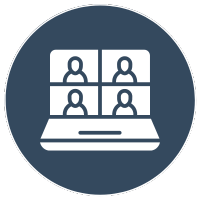
DAY FOUR: TURN YOUR ZOOM WAITING ROOM INTO A VIRTUAL WELCOME MAT
Your meeting experience begins before anyone enters the meeting room! On Day 4, discover how to turn your Zoom Waiting Room into a welcoming space that captures attention, shares information, and gets participants engaged before they're even admitted. You'll learn how to add your own waiting room video to welcome guests, build anticipation, and make the time they spend waiting feel intentional instead of awkward.
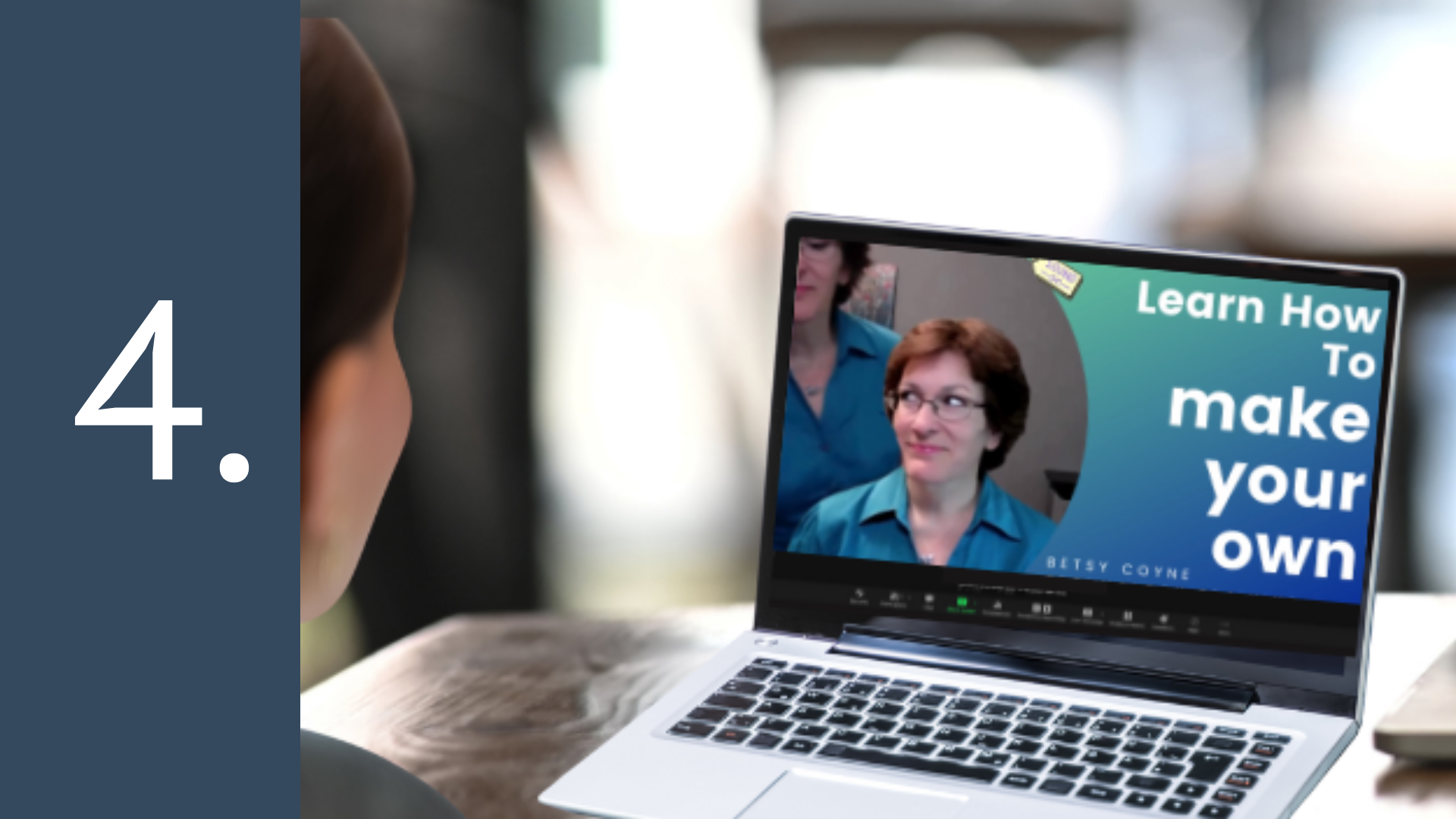
DAY FIVE: DISCOVER THE MAGIC OF ZOOM AI + BONUS REVEAL!
What if Zoom could help you do more of the work for you? On Day 5, discover the magic of Zoom AI and how it can help you spend less time on busywork and more time focusing on your business. You'll explore how Zoom AI can help you prepare for meetings, summarize conversations, and turn meeting details into actionable next steps! Oh, and I'll be revealing a special bonus opportunity ONLY available on Day five. You absolutely don't want to miss this day!

Hi, I'm Betsy
Certified Technology Educator
I teach people how to use technology and I love it! I am known for my ability to explain today's technology in a concise yet patient way. I have specialized in technology training for over 30 years. And, I will be your Personal Technology Coach for all five days of this brand new low-cost live training event.
ZOOM CONFIDENCE BOOTCAMP
If tech training, expert coaching, and answers at your fingertips sounds good, you want to enroll in this Bootcamp. This is your opportunity to ramp up your Zoom skills & pick my brain for all 5 days of this amazing bootcamp & finally run Zoom confidently.
Day one or one Day—It's time to choose!
I designed this Bootcamp to take the guesswork out of Zoom and get you on the road to VIRTUAL MEETING SUCCESS!
Yes! I'm in!